Reserve requested zones first
The generator accounts for selected stages, dance floors, bars, buffets, AV, registration, and other event needs before placing the remaining seating pattern.
Margo turns the event type, room, attendance, seating, requested zones, and priority into an editable starting arrangement. It surfaces planning warnings and hands every object back to the team for correction and review.
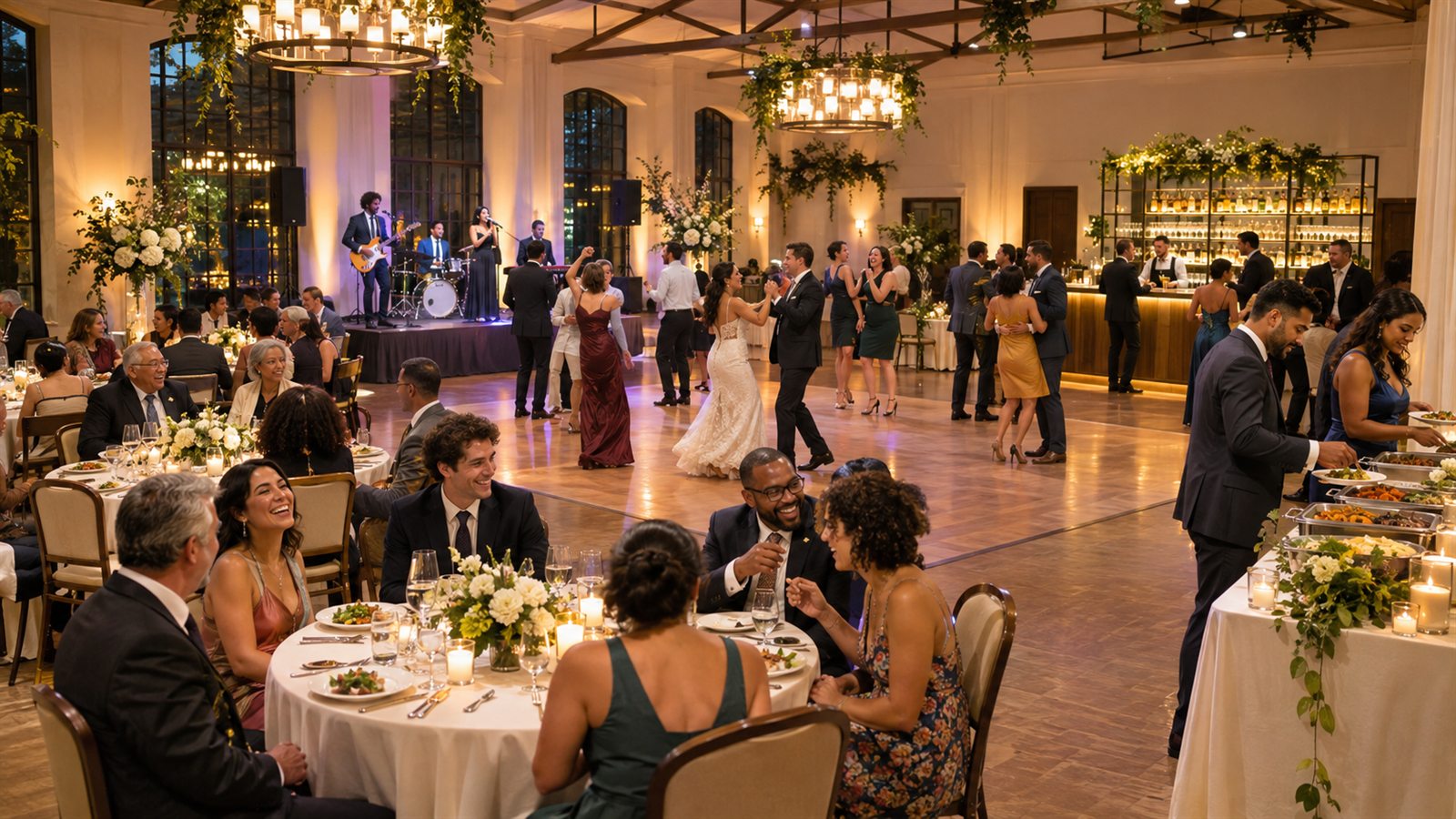
The useful promise is a structured first pass that reduces blank-canvas work. It is not a perfect layout, a guaranteed fit, or an autonomous venue decision.
The generator accounts for selected stages, dance floors, bars, buffets, AV, registration, and other event needs before placing the remaining seating pattern.
The review step reports the room, selected zones, generated object count, designed seats, and current warnings before the canvas changes.
Move, resize, rotate, lock, label, layer, annotate, add, or remove objects and use undo and redo while refining the plan.
The workflow makes the inputs, generated result, human edits, and final decision separate and visible.
Choose the event, room size, working attendance, seating style, required zones, layout priority, and any important relationship notes.
Check the generated object and seat counts and read the planning warning. Save a milestone first if generation will replace meaningful existing work.
Correct the result using the venue source, actual inventory, vendor footprints, service needs, production information, and stakeholder feedback.
Save named milestones, resolve comments, freeze a candidate, record the scoped decision, and print or share the current release.
Margo uses the inputs available in the plan. Better source information and clearer notes produce a more useful starting point, but human verification stays essential.
The current brief covers weddings, corporate events, conferences, galas, social and community events, expos, performances, and flexible other events.
The generator can place core seating and selected event zones; the editor then supports structure, furniture, production, safety markers, and annotations.
Warnings call attention to obvious issues such as designed seating or missing markers. They are review prompts, not a complete or authoritative plan check.
A generated layout inherits every weak assumption in its brief. Compare the draft with the people and documents that control the real setup.
No. It is a first pass built from the brief. Every object remains editable, and the venue and relevant specialists should review the corrected revision before setup.
Event type, expected attendance, room width and depth, seating style, selected needs, bar and buffet counts, layout priority, and written notes shape the starting plan.
Yes. The editor supports moving, resizing, rotating, labeling, layering, locking, adding, and deleting objects, plus undo and redo during the session.
No. The automated checks are intentionally limited and cannot establish code, safety, accessibility, technical, or venue compliance. Use them only as prompts in a broader review.
Use the actual room and event requirements, review the generated assumptions, and keep your team accountable for every change and final decision.