Begin with the occasion
Choose wedding, corporate, conference, gala, social, community, expo, performance, or another event type to set an appropriate starting context.
Margo structures the first conversation around the event type, attendance, room, seating, must-have zones, layout priority, and free-form constraints so the first layout starts with more than a blank canvas.
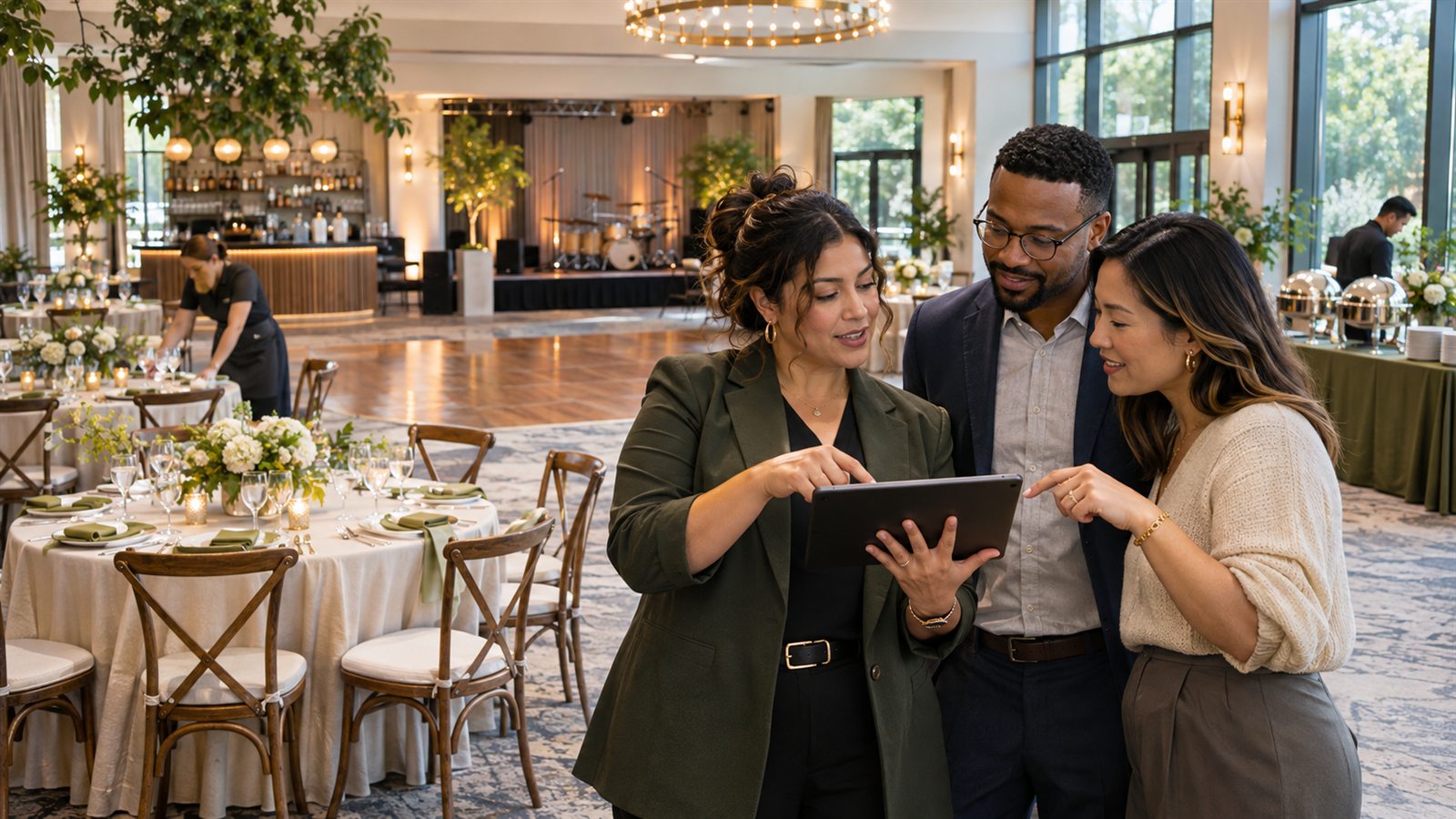
Most hosts know what they want the event to feel like. The intake helps translate that into the room, furniture, service, production, and review questions a layout needs.
Choose wedding, corporate, conference, gala, social, community, expo, performance, or another event type to set an appropriate starting context.
Enter expected attendance, room width and depth, and the preferred seating pattern so the first pass has a scale and working count.
Select stage, dance floor, bar, buffet, piano, AV, podium, registration, photo booth, cake, gifts, coat check, lounge, or accessible locations and add notes.
The intake is intentionally bounded. It collects enough structure for a starting plan, while leaving venue-specific rules and unknowns visible for human review.
Pick the closest event type. This sets a useful context but does not lock the plan to a rigid template.
Enter expected attendance, room dimensions, and rounds, banquet, theater, classroom, cocktail, or mixed seating.
Choose event zones, adjust bar or buffet counts when relevant, set a layout priority, and write relationship or exception notes.
Read the summarized brief, planned objects, designed-seat count, and first warning before replacing an existing canvas with the generated pass.
The guided fields support a first pass. The notes, room template, editor, and review workflow carry the constraints that cannot be reduced to a checkbox.
The wizard explicitly asks for the expected people in the room so the working plan does not quietly inherit a larger mailing-list number.
Choose balanced, maximize-seating, or generous-dance priorities and add notes such as keeping a kitchen path clear or placing family near the dance floor.
Before generation, review the room, selected zones, object count, designed seats, and planning warnings produced by the current inputs.
The current wizard does not ask every venue question. Bring these facts into the room template, notes, or follow-up review.
Do not invent them. Ask the venue for the room source or verified dimensions. A temporary estimate should be labeled and replaced before the layout is used for setup decisions.
Yes. The intake includes a notes field for relationships, constraints, and unusual requirements, and the editor supports additional labeled objects and annotations.
No. The brief only supplies the generated starting plan. The venue and other responsible parties still review dimensions, objects, routes, vendor details, and the final revision.
If the plan already has objects, the wizard warns that generation replaces the current canvas and advises saving a milestone first. Undo remains available until the editor session ends.
Bring the expected attendance, room information, seating preference, and must-have zones. Keep unknowns visible for the people who can answer them.